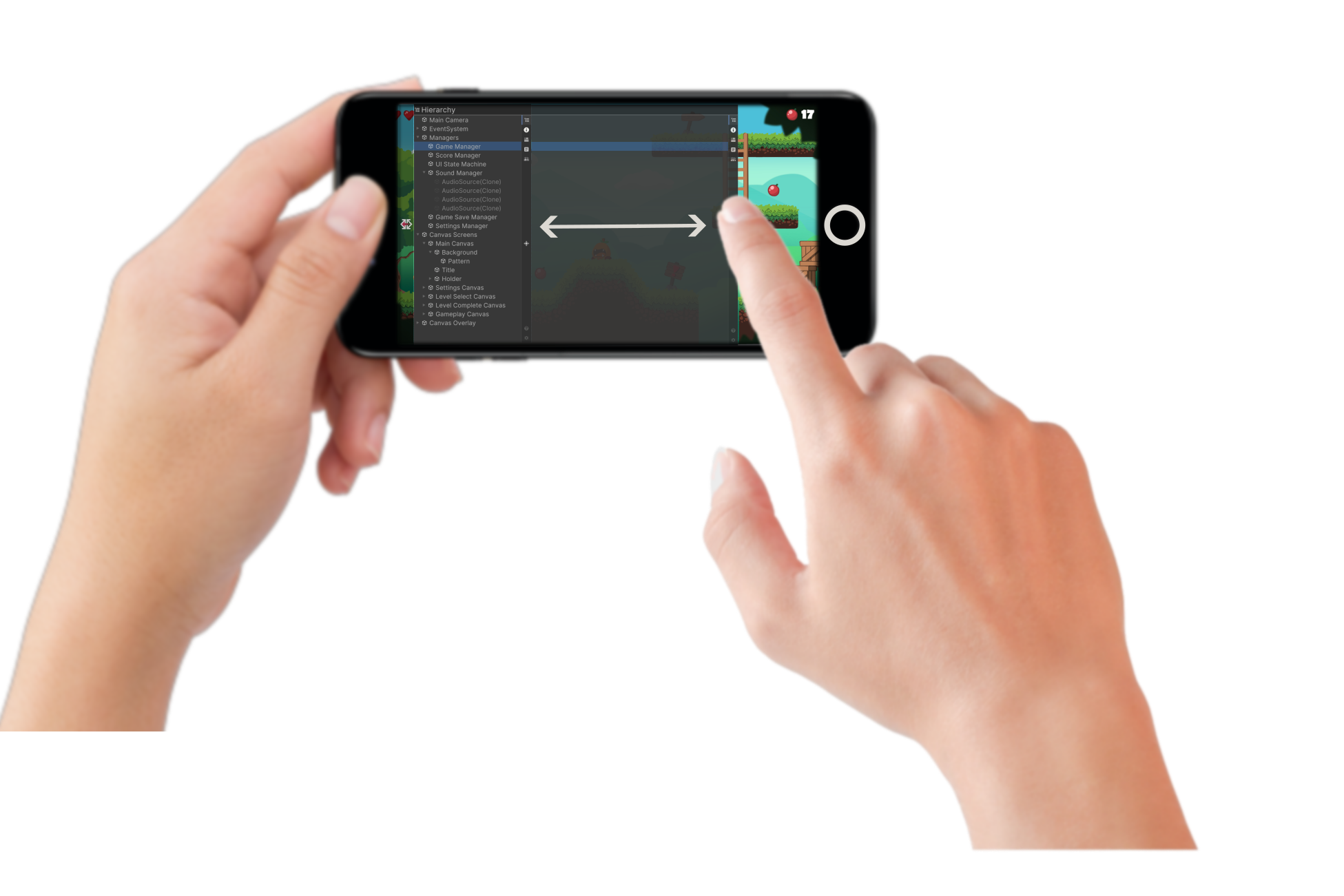
Flexible layout
DebugKit does not force a fixed size on your screen. Drag and slide the panel edge to shape your workspace.
- • Expand to inspect deeper hierarchies and complex component data.
- • Shrink to keep more gameplay visible while debugging.

A production-ready debugging suite that runs inside your built application. Familiar Editor-like Hierarchy, Inspector, Console, and Performance directly on your test device.
Overview
DebugKit brings core editor workflows into runtime builds with clean touch-first tooling.
DebugKit does not force a fixed size on your screen. Drag and slide the panel edge to shape your workspace.
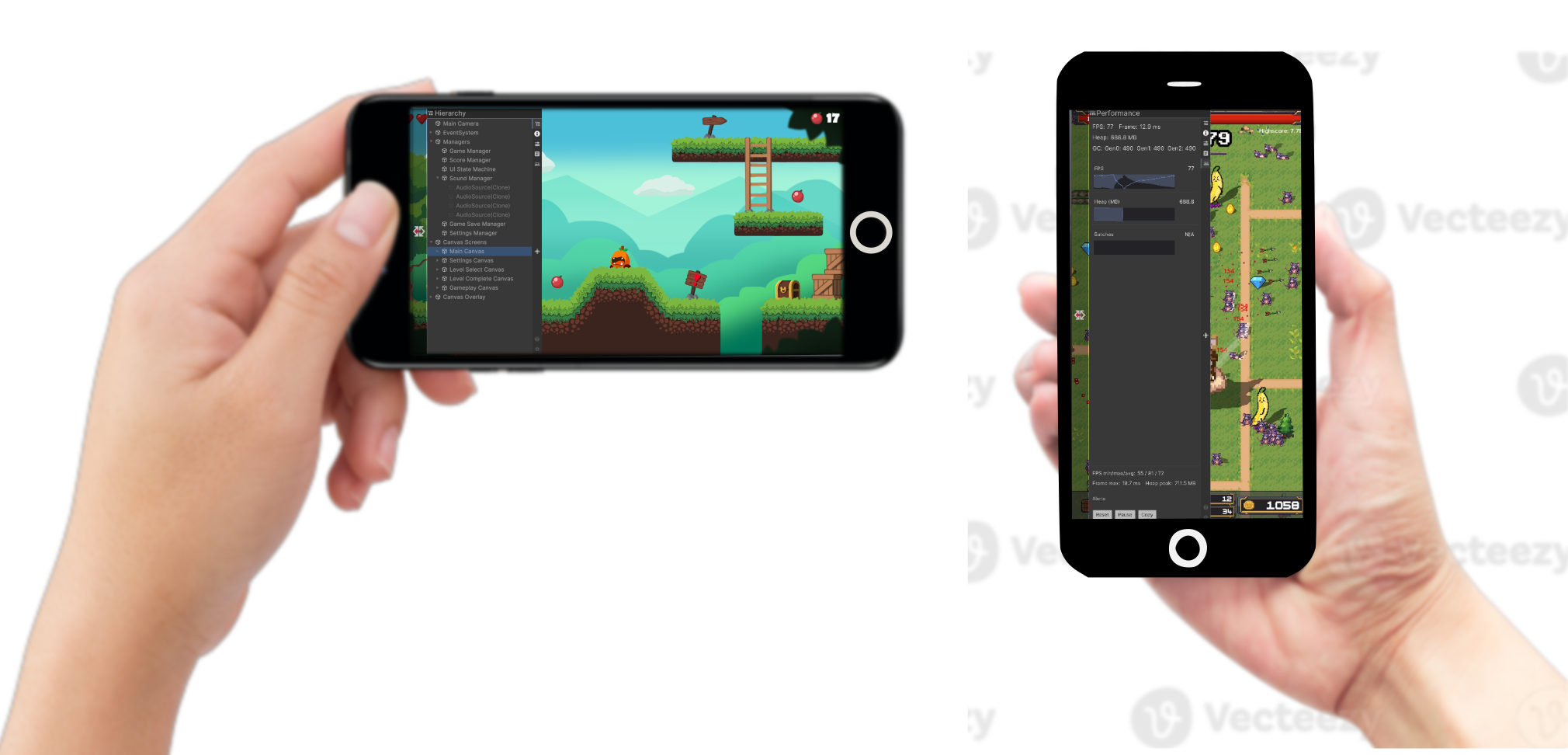
Built for modern devices. The interface reflows and keeps text, controls, and graphs readable across orientations.
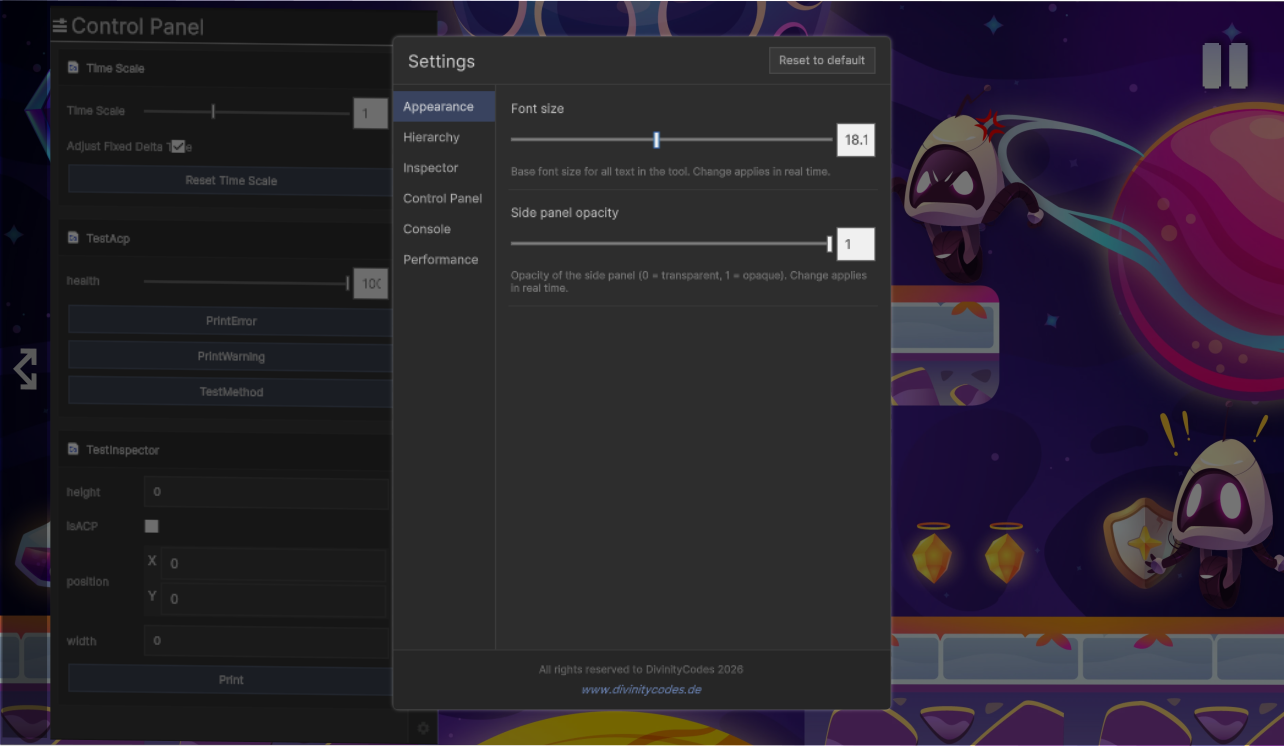
Fine-tune the toolkit on the device to match your testing environment. Through the settings menu you can adjust:
Bring desktop-class debugging into your builds on the hardware your players actually use.