Experiment Slot Machine Prototype 4 - TJS
Slot machine animation experiment powered entirely by a custom tweening library (TJS), focused on smooth reel motion, sequencing, and runtime animation control.
- Slot Machine
- Tweening
- Custom Animation
- Runtime Sequencing
- TJS
- Reel System
Introduction
This is the fourth experiment in a series where I explore different animation techniques for slot machines. For this prototype, I've employed my custom tween library, Tween Job System (TJS) , which is an optimized animation engine based on a job system. The usage of TJS is quite similar to DOTween, with a range of handy shortcut extensions that simplify animation tasks in Unity.
Animation
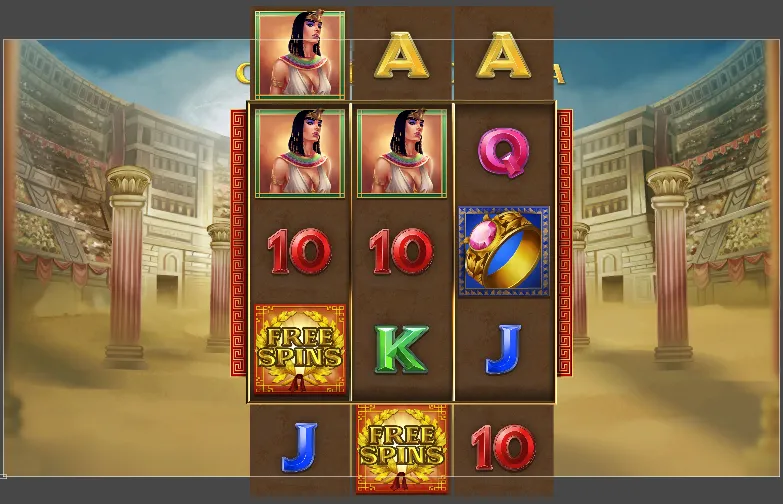
In this iteration, I opted for a smoother and more flexible animation approach by dividing the slots into columns and animating them, rather than animating each slot individually. This allows for more controlled and cohesive motion. To enhance the spinning illusion, additional slots are incorporated off-screen. I believe adding motion blur via a Shader could yield even more impressive results.
![Unity hierarchy showing slot columns Col [0–2], visible slots, and off-screen slots for looping animation](/dev/projects/slot-machine-tjs/animationTjs.png)
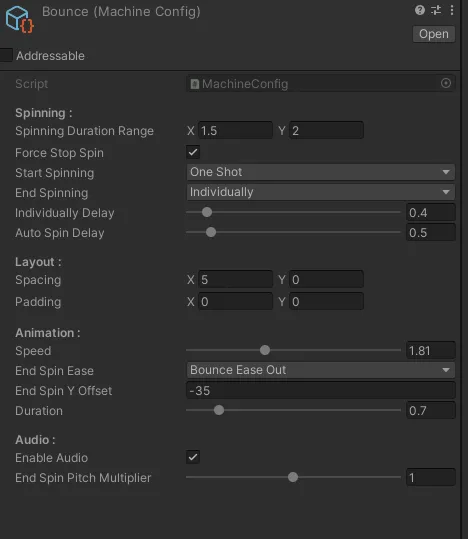
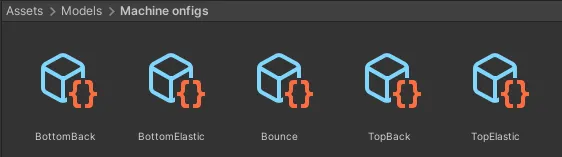
Animations and behaviors are encapsulated as "scriptable objects", making it easier to switch between different settings and behaviors. I've found that maintaining control over the animations allows for more varied and dynamic behavior in the gameplay.
Architecture
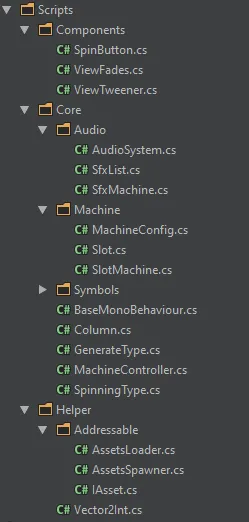
The architecture for this project is inspired by the AMVC for UI pattern, which I developed from my experiences with Unity UI projects. The
core of this architecture is the MachineController.cs, which acts as both the entry point and a
dependency container. This setup allows for precise control over initialization and update sequences of
various components. It's a pattern I've used successfully in previous projects, such as my Pixelart Game [Unity Prototype].
Addressable Assets System
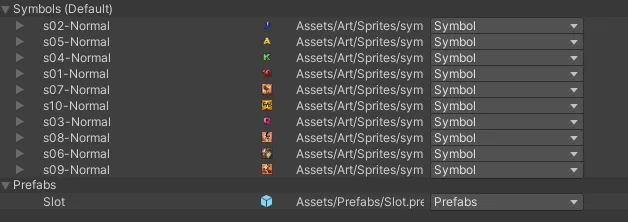
This prototype demonstrates the basic use of Unity's Addressable Assets System. It includes both synchronous and asynchronous methods for loading and instantiating assets:
- Synchronous: Load the slot prefab asynchronously with Unity Addressable and then instantiate it synchronously.
- Asynchronous: Load and instantiate all slot instances asynchronously using Unity Addressable.
Audio
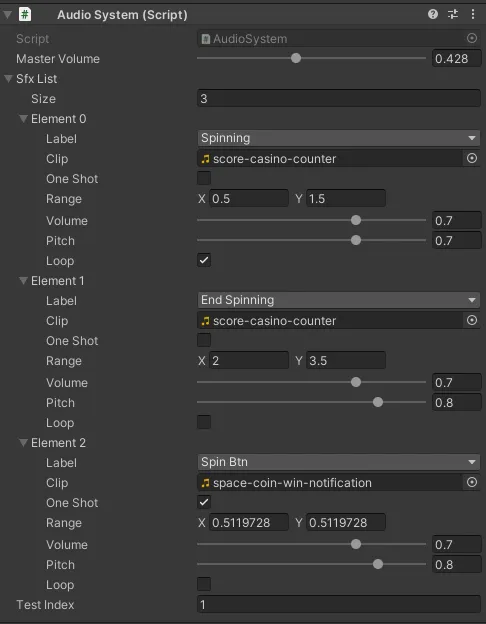
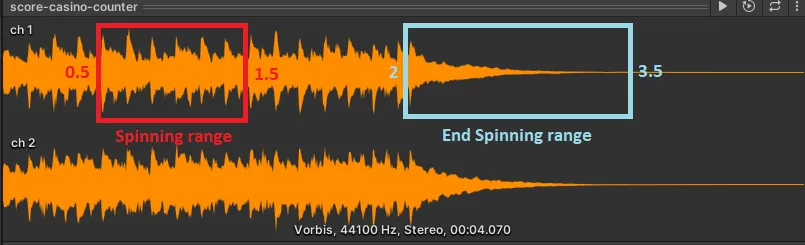
The audio system is dynamically linked with the animation to enhance the gaming experience. I chose a random slot machine sound effect and developed a system that manages all sound effects. This system allows slicing a single audio clip into multiple pieces, which can be played with variations in pitch to differentiate the sounds among columns.