TJS Tween Job System
Custom tweening library for Unity focused on performant animation sequencing, runtime control, and flexible tween based workflows similar to DOTween.
- Tweening Engine
- Animation Library
- Runtime Animation
- Custom Framework
- Performance
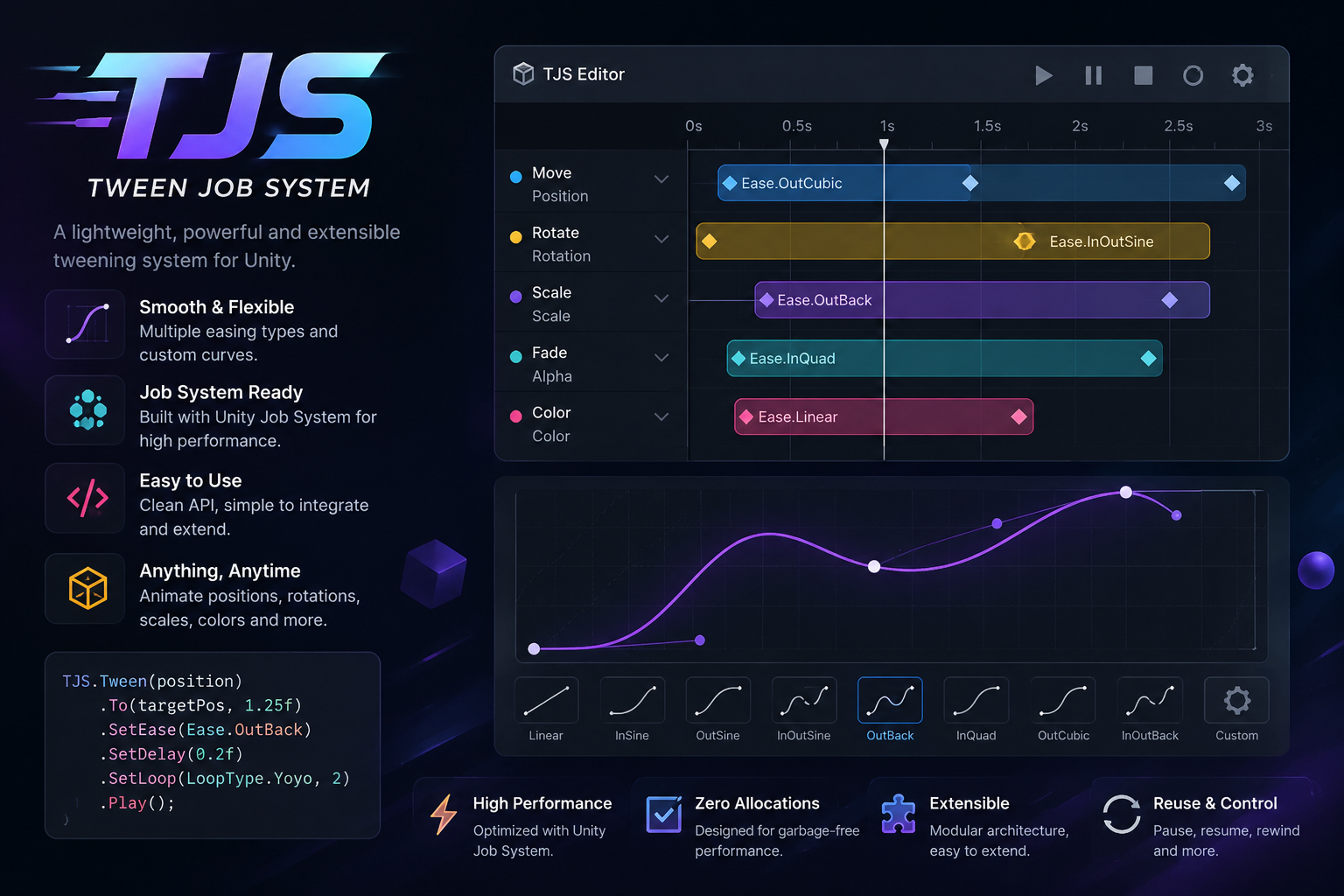
The TJS Tween Job System provides shortcut extensions, full playback control, and event hooks for Unity tweens. Examples below are syntax-highlighted C#.
Shortcuts
Shortcut extensions that directly extend common objects like this:
// Move a transform to position 100,0,0 in 2 second.
transform.TweenPosition(new Vector3(100, 0, 0), 2f).Play();

// Scale a transform to 2 in 1 second with ease BackEaseIn.
transform.TweenScale(new Vector3(2,2,2), 1).SetEase(EaseType.BackEaseIn).Play();
Full control
Rewind
//FadeOut the target sprite renderer then playback the animation (fadeIn) by adding 'true' as parameter to Play method.
var sprite = GetComponent<SpriteRenderer>(); //target sprite renderer
sprite.TweenOpacity(0, 2f).Play(true);
Pause / Resume / Kill
var sprite = GetComponent<SpriteRenderer>(); //get the target
var tween = sprite.TweenColor(Color.red, 1f).Play(); // tween the color to red in 1 sec.

//pause the animation
tween.Pause();

//resume the animation
tween.Resume();

//stop & kill the animation
tween.Kill();
Events
var sprite = GetComponent<SpriteRenderer>(); //get the target
var tween = sprite.TweenColor(Color.red, 1f).Play(); // tween the color to red in 1 sec.

//On Complete event
tween.OnComplete((() => Debug.Log($"Animation Completed !")));

//On Kill event
tween.OnKill((() => Debug.Log($"Animation killed !")));

//On Rewind event
tween.OnRewind((() => Debug.Log($"Animation Rewinded !")));

//On Play event
tween.OnPlay((() => Debug.Log($"Animation Played !")));

//On Pause event
tween.OnPause((() => Debug.Log($"Animation Paused !")));

//On Resume event
tween.OnResume((() => Debug.Log($"Animation Resumed !")));

//On Update event
tween.OnUpdate((data =>
 {
   Debug.Log($"Remaining Time : {data.timeRemaining}"); //the remaining time of the animation
   Debug.Log($"Normalized Time : {data.normalizedTime}"); //useful with progressBars or curves
 }));
//- chained methods example
var sprite = GetComponent<SpriteRenderer>(); //get the target
sprite.TweenColor(Color.red, 1f)
.OnComplete((() => Debug.Log($"Animation Completed !")))
.OnKill((() => Debug.Log($"Animation Killed !")))
.OnUpdate(OnUpdateAnimation)
.Play();